January 28 is Data Protection Day – but data protection is important 24/7, 365 days a year.
On this day in particular, there is a lot of communication about data protection and privacy. Even today, many people are unaware of the risks and rights associated with their personal data.
Personal data is used in our private lives when shopping online, surfing the Internet, in the health sector (health insurance, doctors, etc.), when traveling, and also at work. It has become part of our everyday lives and is freely shared. Have you already agreed to our privacy policy? Anyone who still hands out and receives business cards is already handling personal data... think about it!
Unfortunately, the biggest source of errors in handling personal data is often found in front of the computer. Passwords that are too simple (1234567 is not a good password!) and careless clicks on links can cause major problems. But even small oversights can pose a risk. For example, if you leave your computer unattended in the office for a short time, you should always lock it! Even small things like this can pose a data protection risk. But how do you make new employees aware of such carelessness? Our tip: with a good dose of humor, a pinch of seriousness, and a great desktop background (see graphic)! Anyone who has been “Hasselhoffed” and stared at by this lovely face on their monitor will not forget to lock their PC again anytime soon. Our experience? A 100% success rate and a few laughs thrown in for good measure.
Of course, we also have a few tips for you to ensure data protection in your company: Passwords for the most frequently used email service are changed every 2-6 months by 25% of people, while 21% take longer than a year to do so. A total of 58% change their password within a year (source: Statista).
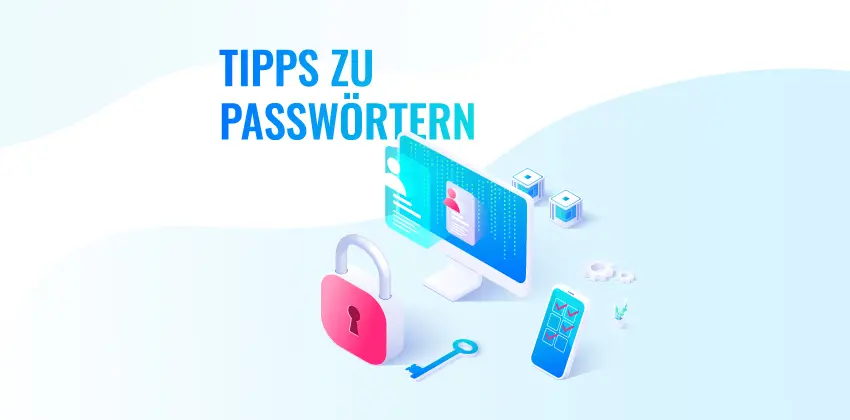
Here's what you should keep in mind for your passwords:
- Don't use “1234567890” or “password.” Don't use “test” or your company name either!
- Length, complexity, use once, change every 6 months As a general rule, the longer the better, at least eight characters long, ideally with special symbols and numbers.
- For Wi-Fi encryption methods, the password should be at least 20 characters long and not the one provided by the manufacturer.
- Use all available characters, e.g., upper and lower case letters, numbers, and special characters. Everything you can!
- Use a password manager to keep track of all your different passwords—and make sure you have a really strong password for it.
- Do not save passwords in browsers! Or on unprotected Excel lists on your PC or in the cloud!
Recommended tools:
- LastPass for PC, web browsers, and mobile devices, also available as a web vault
- KeePass 2 as a desktop version and portable version for Android and iPhone
- Bitwarden for PC, web browsers, and mobile devices, also available as a web vault
At Drive, we have developed a strict technical and organizational security concept, which is reviewed every year and improved individually wherever possible. We regularly raise awareness of data protection among all our employees, sometimes using the creative “Hasselhoff” method!
What's that? Well, if you want to know, you'll have to write to us!